Real film grain, scanned from 16mm and 35mm film.
15 film stocks as 4K ProRes 4444 clips. Free for personal and commercial work. No account, no email, just download.
Browse the stocksThe stocks
Previews are 1:1 crops from the 4K scans, unprocessed. Hover or focus a stock to see it move.
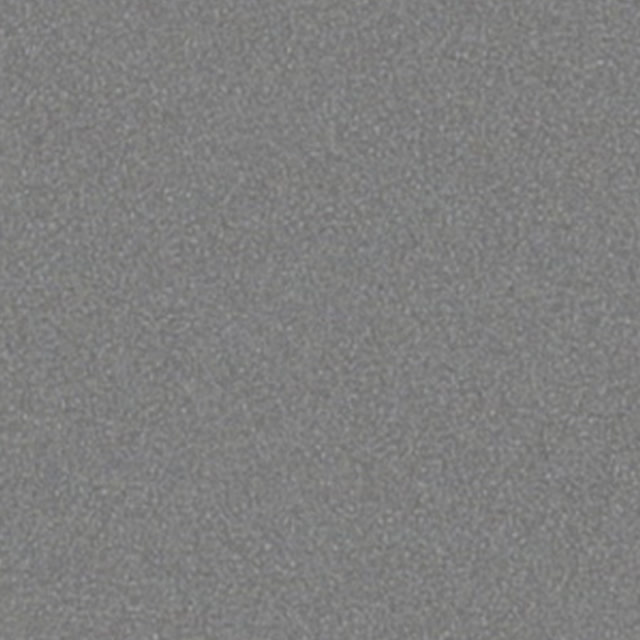
16 mm
50D
The cleanest 16mm look in the set.
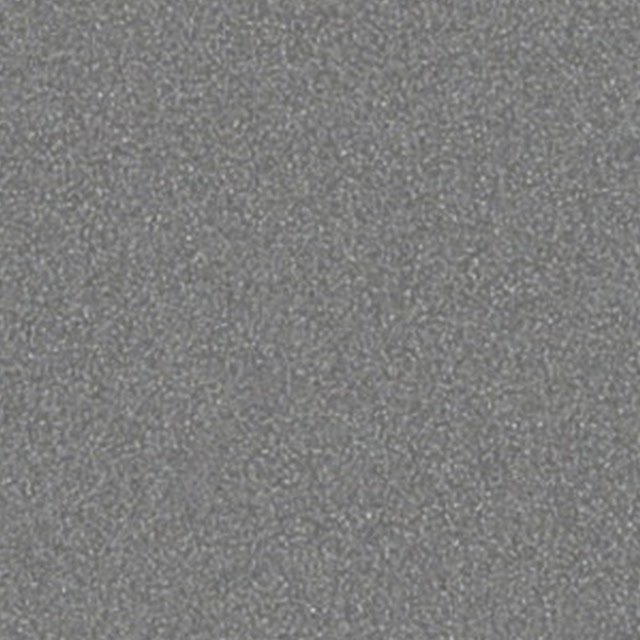
16 mm
250D
Classic 16mm texture you can clearly see.
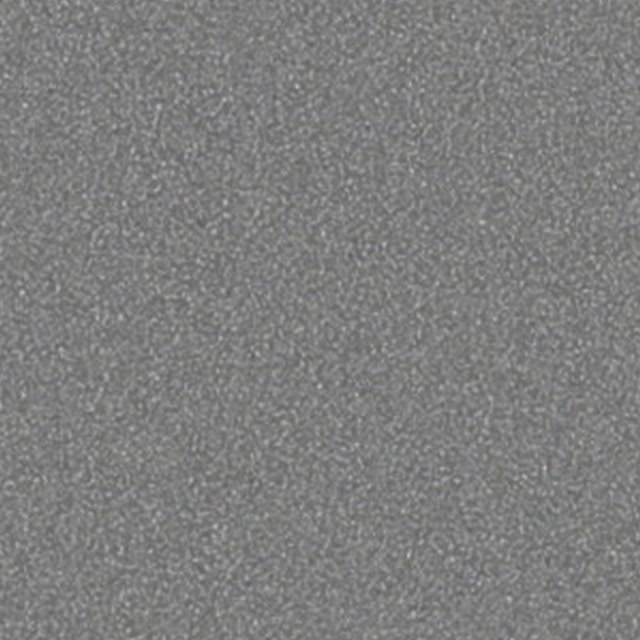
16 mm
500T
Heavy night-time 16mm grain.
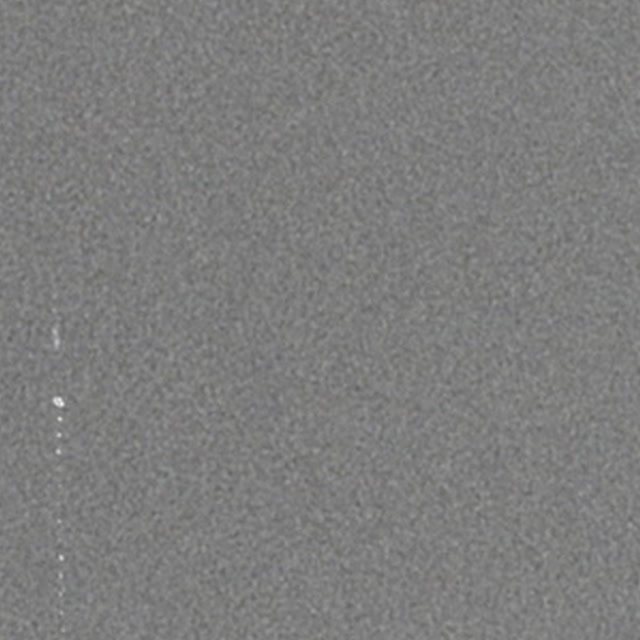
16 mm
Archival
Soft grain for flashbacks and found footage.

16 mm
Print
Barely-there texture from a 16mm print.
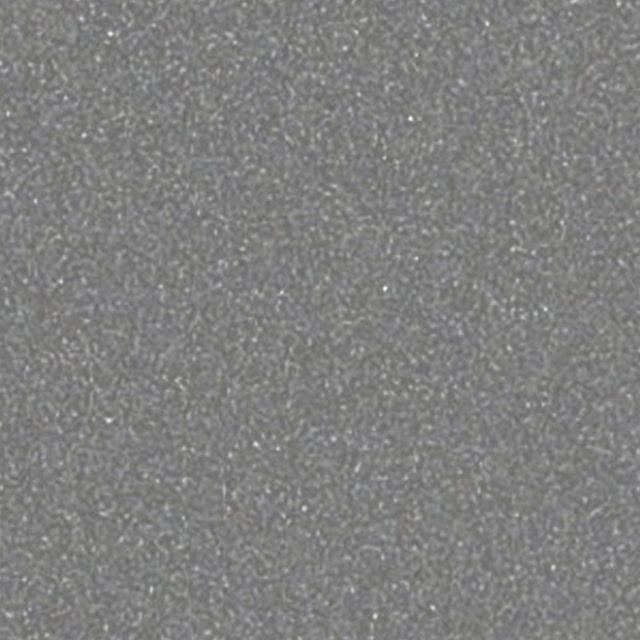
16 mm
Reversal
Coarse, sparkling grain with lots of contrast.
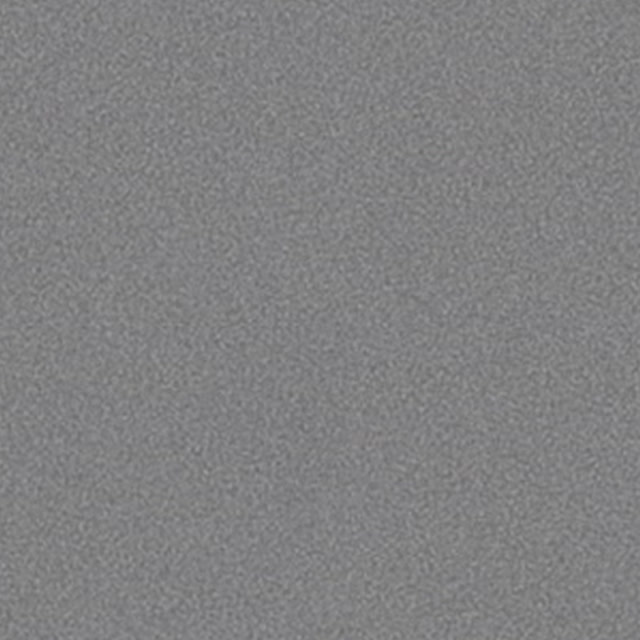
35 mm
50D
Fine 35mm grain for a polished film look.
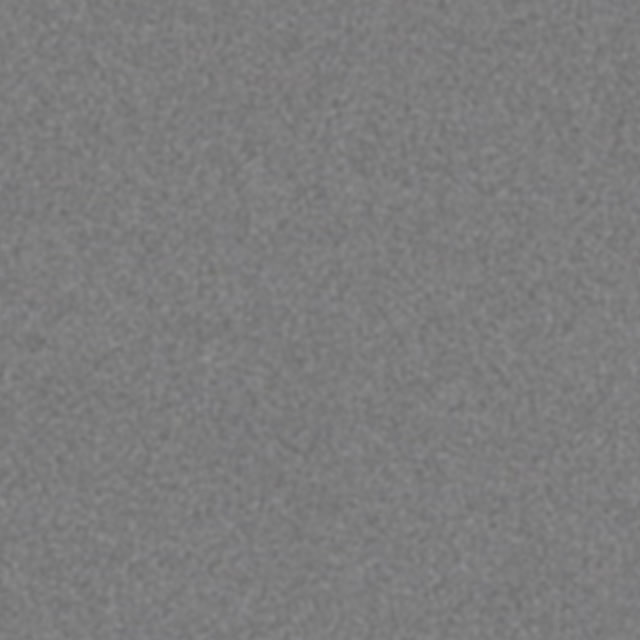
35 mm
50D Gentle
A softer version of 35mm 50D.

35 mm
64D Fine
Very fine grain for subtle texture.
35 mm
64D Fine Gentle
The subtlest grain in the library.
35 mm
200T
All-round 35mm grain for interiors.
35 mm
400T
Stronger 35mm grain for low light.

35 mm
Fine Print
Clean, fine texture from a 35mm print.
35 mm
Print
Strong, contrasty print grain.
35 mm
Reversal B&W
The heaviest grain here, made for black and white.
How to use it
Put the grain above your footage
Drop the clip on the track above your graded image and stretch it over the whole shot.
Switch the blend mode to Overlay
The grey base vanishes and only the grain remains. Soft Light gives a gentler result.
Dial in the opacity
Start around 30–60% and judge it at 100% zoom on the final delivery size.
Questions
- Is it really free?
- Yes. Every file downloads directly, with no account, no email address and no watermark. There is nothing to pay and nothing to sign up for.
- Can I use the grain in commercial work?
- Yes. Use it in client jobs, films, ads and music videos. You may not resell or re-upload the files themselves. The license page has the details.
- Why is it grey?
- Each clip is grain on an 18% grey base. Placed above your footage with the Overlay or Soft Light blend mode, the grey disappears and only the grain stays.
- My timeline is 25, 30 or 60 fps. Does the 23.976 fps clip matter?
- No. Grain changes randomly from frame to frame, so a different frame rate is invisible. Drop the clip onto your timeline and let your editor conform it.
- The clips are 10 seconds long. What about longer shots?
- Loop the clip or line up several copies. Because grain has no recognisable motion, the cut is invisible.